
A beautiful library
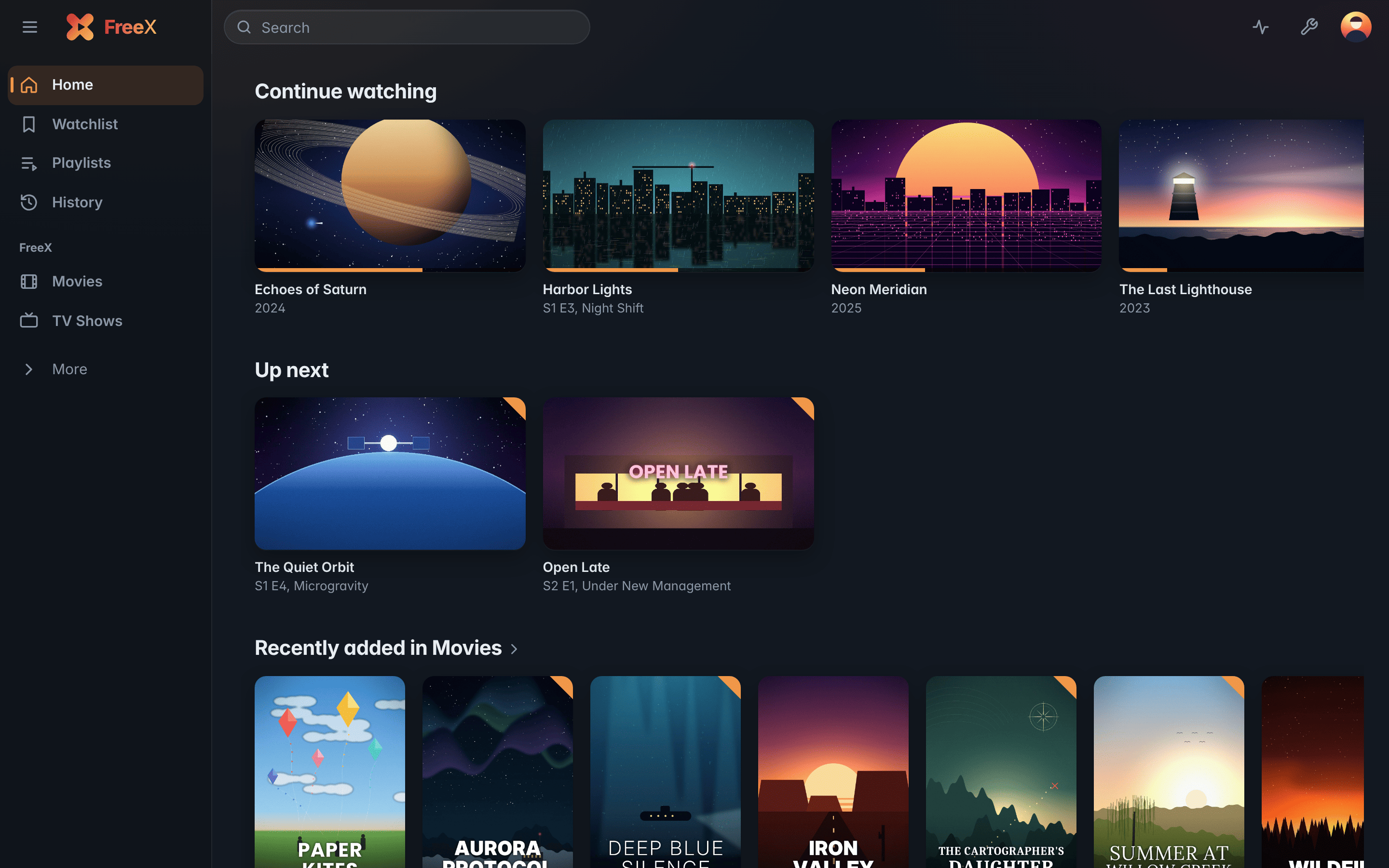
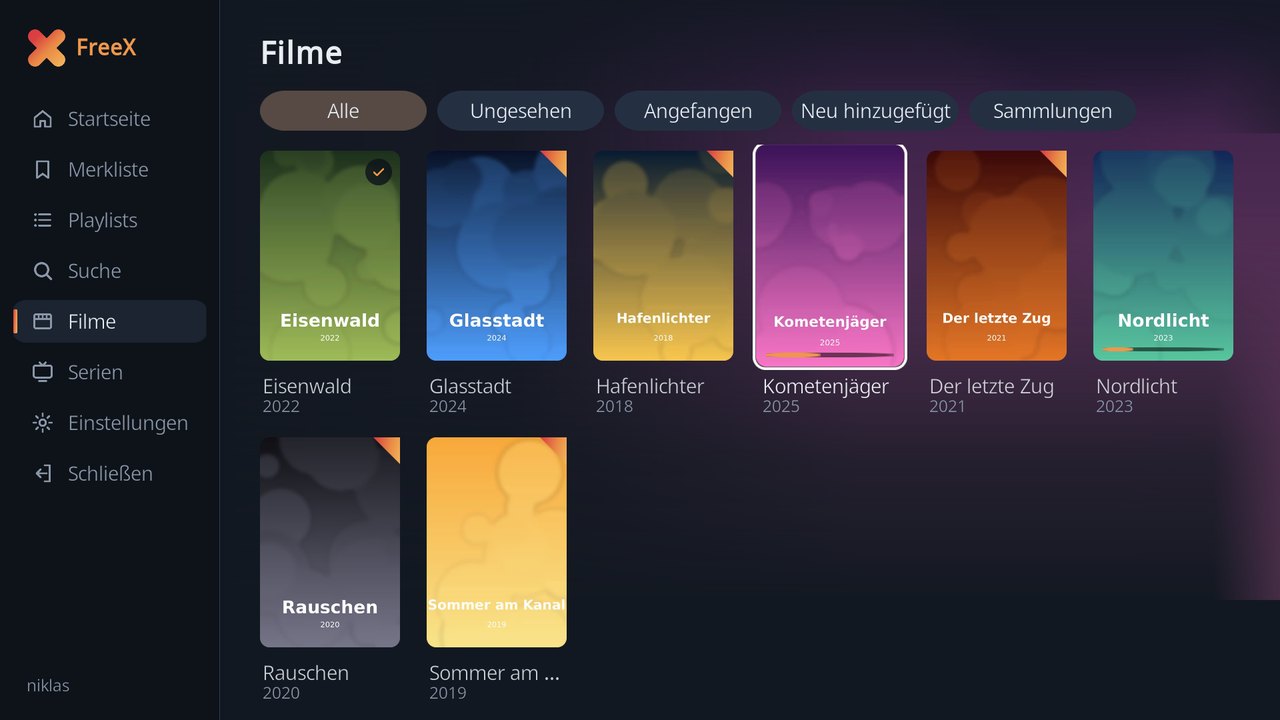
Poster grids, collections, playlists, a watchlist and search. The home screen shows what you're watching and what's up next.
Self-hosted · Open source · No cloud
FreeX turns your folders of movies and TV shows into a library with artwork and details – on your own hardware. One server, apps for every screen in the house, and all of them remember where you stopped. No third-party account, no cloud, no telemetry.
FreeX Media Server is one small native program without a runtime. It comes with the web client FreeX Web built in – all you need is a browser.
Poster grids, collections, playlists, a watchlist and search. The home screen shows what you're watching and what's up next.
Directly when the device can decode the file – otherwise the server converts it on the fly with ffmpeg, optionally with hardware acceleration (NVENC, Quick Sync, VAAPI).
Artwork and details from TMDB – or fully offline from Kodi .nfo files and local artwork.
Detected automatically from the audio, with a countdown to the next episode.
Multiple users with their own progress, history, profile picture and preferred audio and subtitle language. Share all libraries or only some.
Watch in sync with other users of your server – wherever they are.
Two-factor sign-in, brute-force protection, per-device sessions and strict security headers.
Libraries, users and every server setting, a live activity view, CPU and memory graphs and the server log.
FreeX runs on your server, your NAS or your PC. There is no FreeX account, no cloud in between and no telemetry. Your files are only read – FreeX never deletes or changes anything on disk.
Every app talks to the same server with the same account. Progress, Continue watching and settings follow you from device to device.
The core
Libraries, users, streaming, conversion and the API – with the web client FreeX Web for every modern browser.
LinuxWindowsAPT repository
Freex-Media-ServerA home screen and player made for the remote, using the TV's own player.
Samsung (Tizen)LG (webOS)Fire TVAndroid TV
FreeX-TV-AppsA player made for touch: double tap to jump, picture in picture, and AirPlay on iOS.
iPhoneiPadAndroid phones and tablets
FreeX-MobileFreeX Web in its own window, playing every file directly with mpv. With a TV mode that turns the PC into a FreeX box on the TV.
WindowsLinuxmacOS
Freex-DesktopYour libraries like a Kodi library, played with Kodi's own player – including skip intro and Up Next.
Kodi 20+LibreELECCoreELECRaspberry Pi
FreeX-Kodi-AddonA system image: the box boots straight into the FreeX TV interface, with mpv as player and the TV remote over HDMI-CEC.
Raspberry Pi 4 / 5PC (x86_64)
FreeX-HT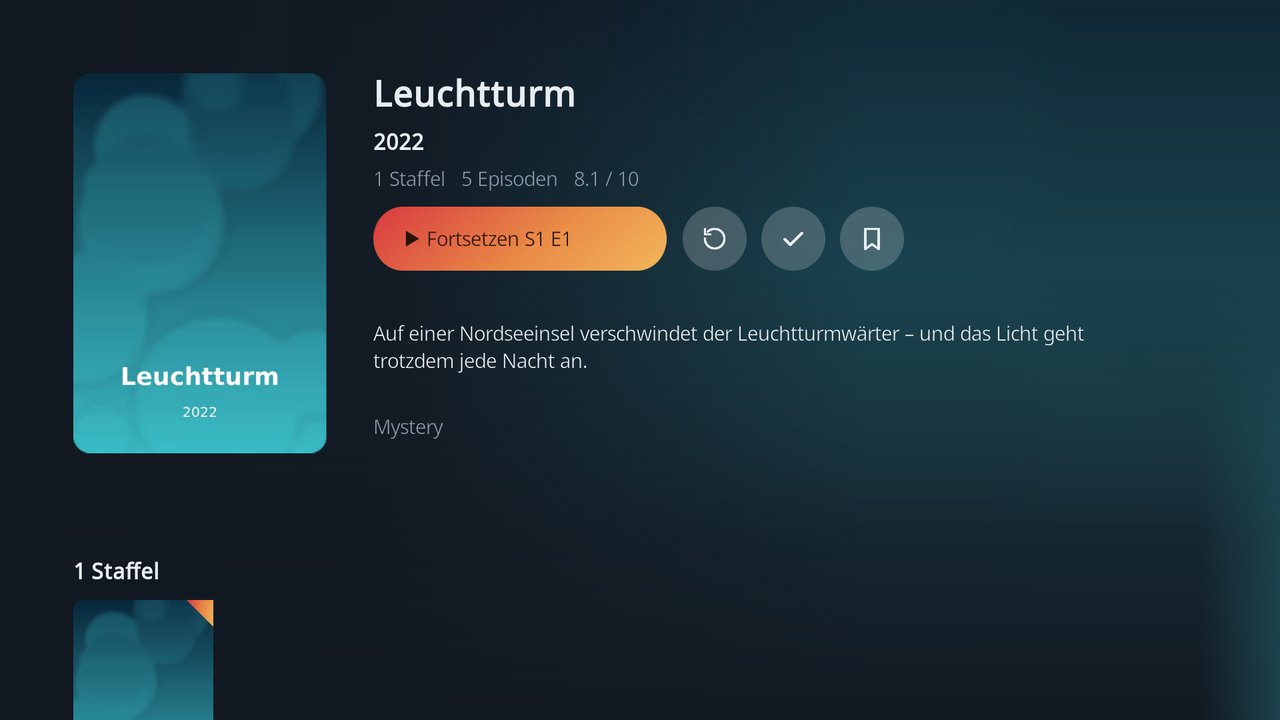
With the optional Jellyfin layer, apps such as Swiftfin and Streamyfin (iPhone, iPad, Apple TV), Findroid (Android) and Jellyfin for Android TV use your FreeX server – with the same account and progress. On Apple devices this is the recommended way.
Smart TVs, consoles and players in the home network find the server on their own – no app needed.
Cast from Chrome to the TV, with the browser as remote control.
FreeX Mobile for iPhone and iPad and FreeX TV for Samsung and LG are not in the app stores and can only be installed by sideloading. Without sideloading, use a Jellyfin app on Apple devices and DLNA on Samsung TVs.
Start with the server. Then sign in from any FreeX app – enter the address (e.g. 192.168.1.10, port 32500) and you're done.
From the MirraNET package repository – ffmpeg comes along, updates arrive with sudo apt upgrade.
sudo install -d /etc/apt/keyrings
sudo curl -fsSL https://apt.mirranet.de/mirranet.gpg \
    -o /etc/apt/keyrings/mirranet.gpg
echo "deb [signed-by=/etc/apt/keyrings/mirranet.gpg] https://apt.mirranet.de stable main" \
    | sudo tee /etc/apt/sources.list.d/mirranet.list
sudo apt update && sudo apt install freex-media-server
Then open http://<your-server>:32500/, create the admin account and add your movie and TV show folders.
The installer brings ffmpeg along, sets up a Windows service and opens the web interface when it's done.
Download setupThe installer isn't code-signed yet. If Windows shows “Windows protected your PC”, click More info and then Run anyway.
sudo apt install freex-desktopIn Kodi: Settings › Add-ons › Install from zip file.
Write it to an SD card or USB stick with Raspberry Pi Imager or balenaEtcher. On a Pi 3 the interface is noticeably laggy.